GUIDE
How do you sort faster in Never Sort By Color?
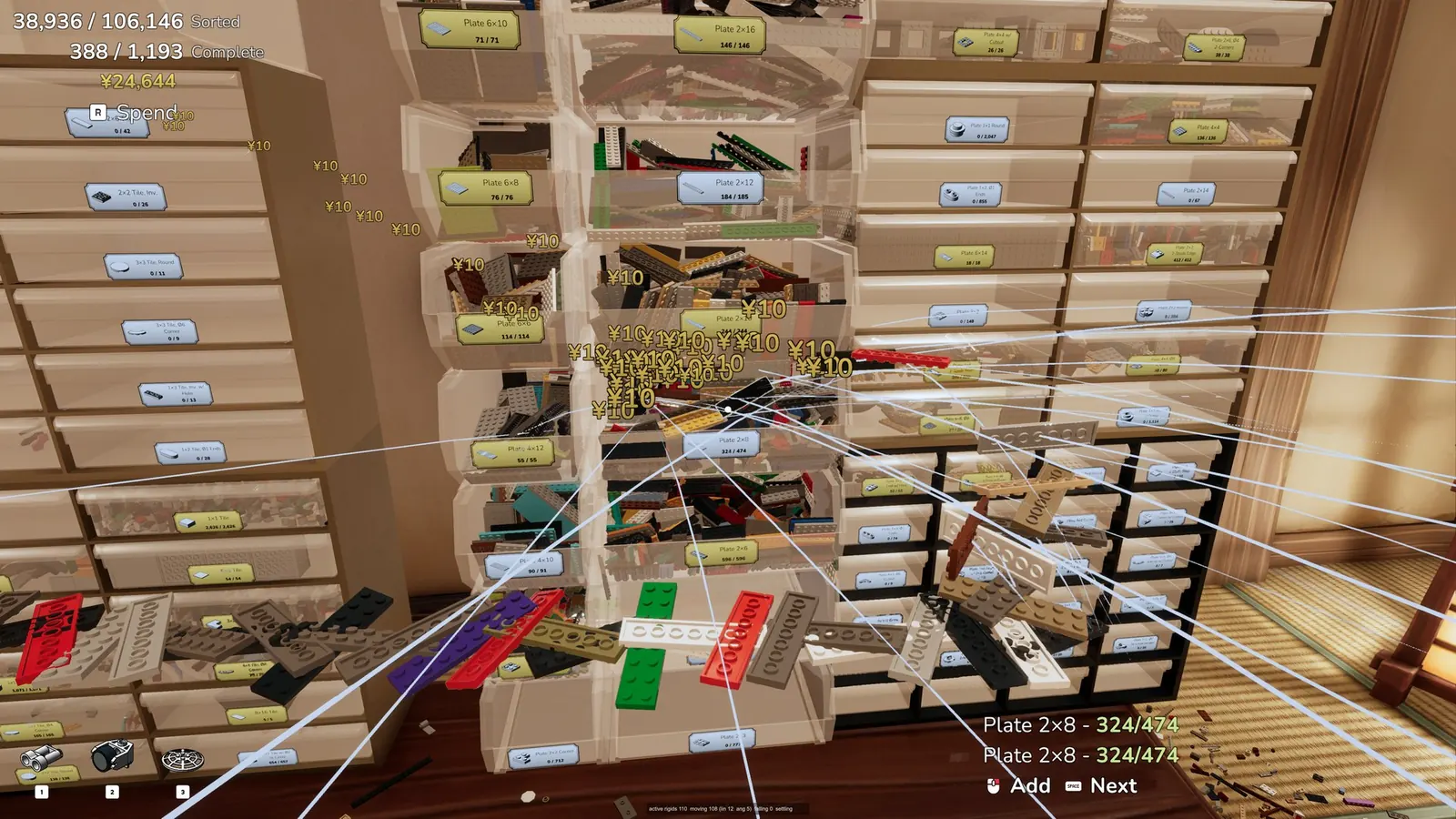
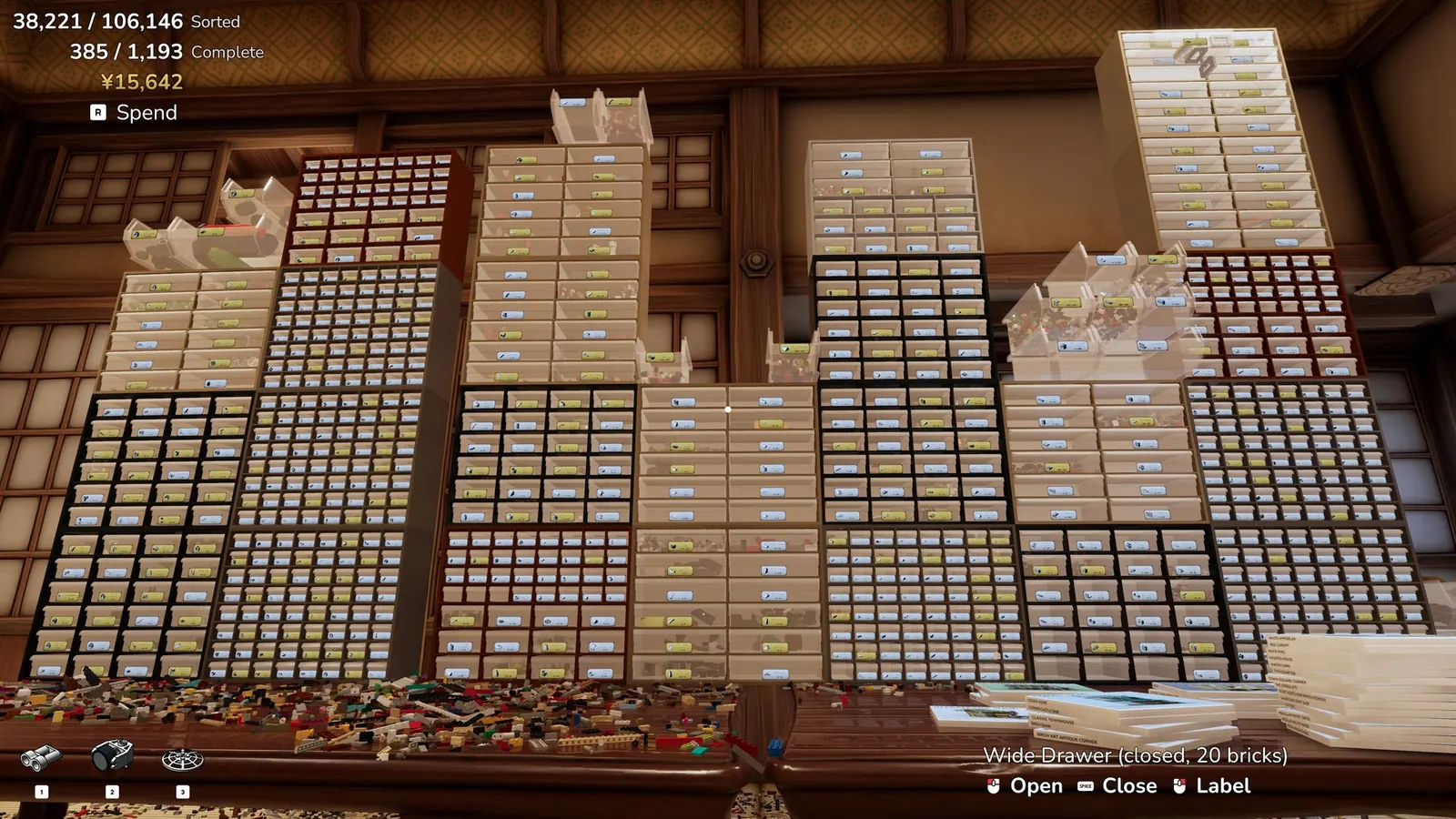
File by part. Buy the glove, the eye, a sieve, four bucket slots, and locators, then label the drawer the part actually belongs in.
Updated 2026-11-13
Steam’s own guide shelf for this app was empty when I opened it on 13 Nov 2026. The longest public walkthrough I found is a GameTruth beginner piece from launch week. I use the studio’s patch notes for keys and tools, and I use that article only where it matches the notes. I did not find a studio wiki.
The five tools, in the order the store lists them
- Magnet Glove — pull every loose copy of the part you are aiming at.
- Sorter’s Eye — mark the held part so copies glow through the pile. Eight ranks.
- Sieve Tray — shake a mixed scoop and let size do the first split.
- Bucket Sort — four hotkey slots that toss a brick over your shoulder into a bound bin.
- Locators — hold a brick and its labeled drawer lights up.
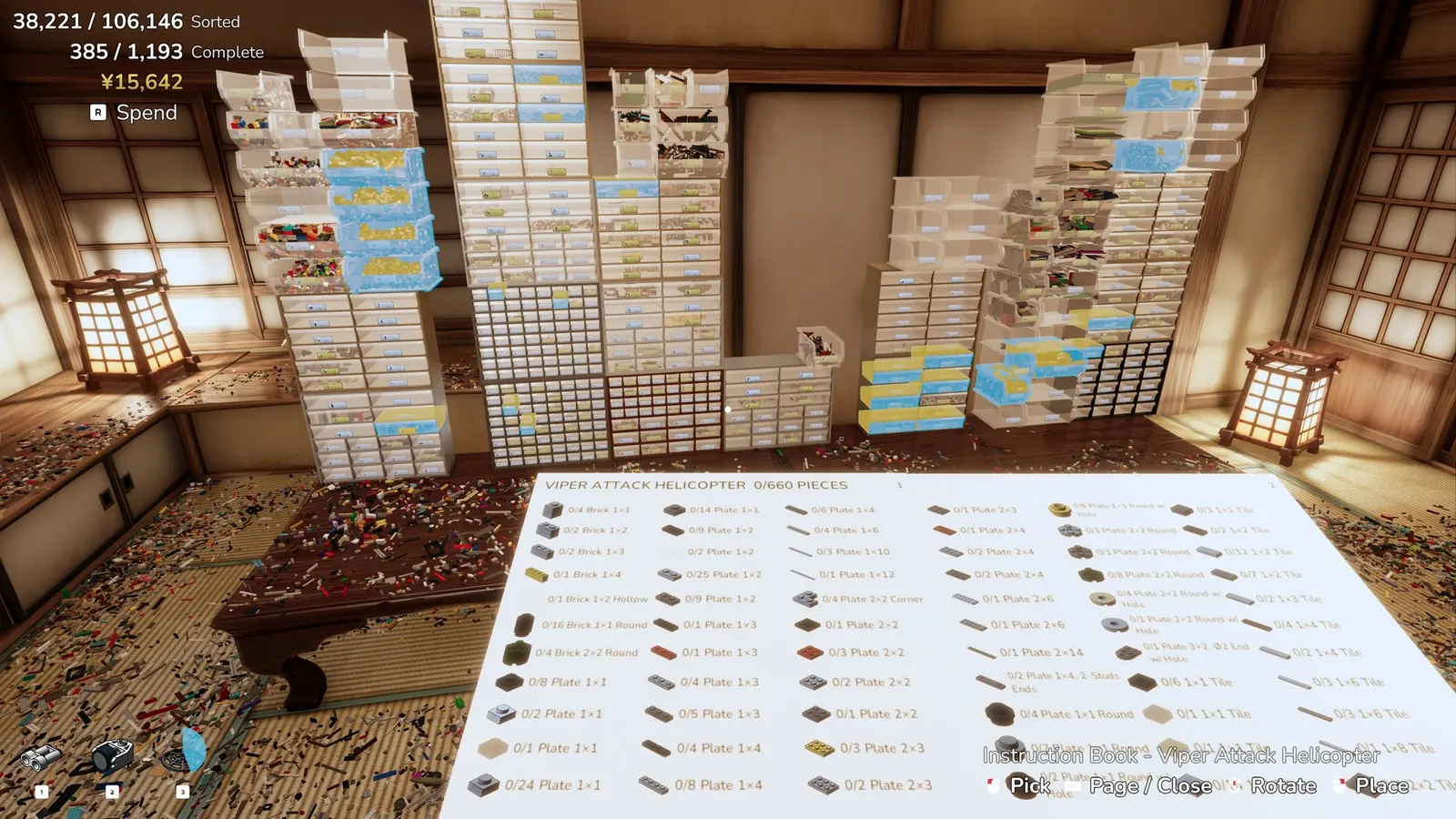
Two play styles show up in the achievements and the 10 Nov notes: Planned starts you with part-family towers and a name plate, and Spontaneous is the other mode. The achievement “Roll With It” only says the pile is gone, every drawer is sealed, and every model is built. I am not inventing a layout for Spontaneous beyond that sentence. There are 43 achievements.
Questions
Is there an official wiki?
I did not find one. The Steam guides index was empty on 13 Nov 2026, and a Fandom URL did not return a readable page.
Where do patch changes land?
On the updates page, then in the guide section they actually change.
Sources
- GameTruth beginner guide — checked 2026-11-13
- Steam achievements — checked 2026-11-13
- Steam community guides index — checked 2026-11-13
- Steam store page — checked 2026-11-13
- Steam news feed for app 4876650 — checked 2026-11-13