CONTROLS
What are the controls and camera modes?
After 20 Oct 2026: F interacts, G labels, Tab cycles Free Look, Drone, and Walk. New players start in Free Look.
Updated 2026-11-13
The 10 Oct note rebuilt the control menu into one action per row, keyboard in one column and controller in the other, with rebinding and a swap when two actions claim the same key. I only list actions a later note or a screenshot names. Sprint, a full mouse-button map, and a full pad map are not in those notes, so they are not in this table. If a key feels wrong, the in-game sheet wins over this page.
| Action | Default | Mode | Where it is written |
|---|---|---|---|
| Interact (drawer, book, hinge, vehicle) | F | Hands can be full and the drawer still opens. | 20 Oct note |
| Label | G | Works while you hold a brick. | 20 Oct note |
| Tidy | T | Aim at a bin or drawer. Pulls out pieces that do not match. | 15 Oct note |
| Cycle camera | Tab | Free Look, then Drone, then Walk. | 15 Oct note |
| Crouch | Ctrl (keyboard), B (controller) | Walk / explore. | 20 Oct and 28 Oct notes |
| Zoom | V or middle mouse; hold or toggle in Options | Hold or toggle, your choice in options. | 20 Oct note |
| Next / previous held part | X / Z | When your hands already hold several copies. | 20 Oct note |
| Flashlight | L | Moved off F. On 17 Oct it was still on F. | 17 Oct then 20 Oct notes |
| Rise or jump | Space or E | Jump on foot. Rise while flying. | 20 Oct note |
| Descend | Q or C | Fly down, or crouch while walking. | 20 Oct note |
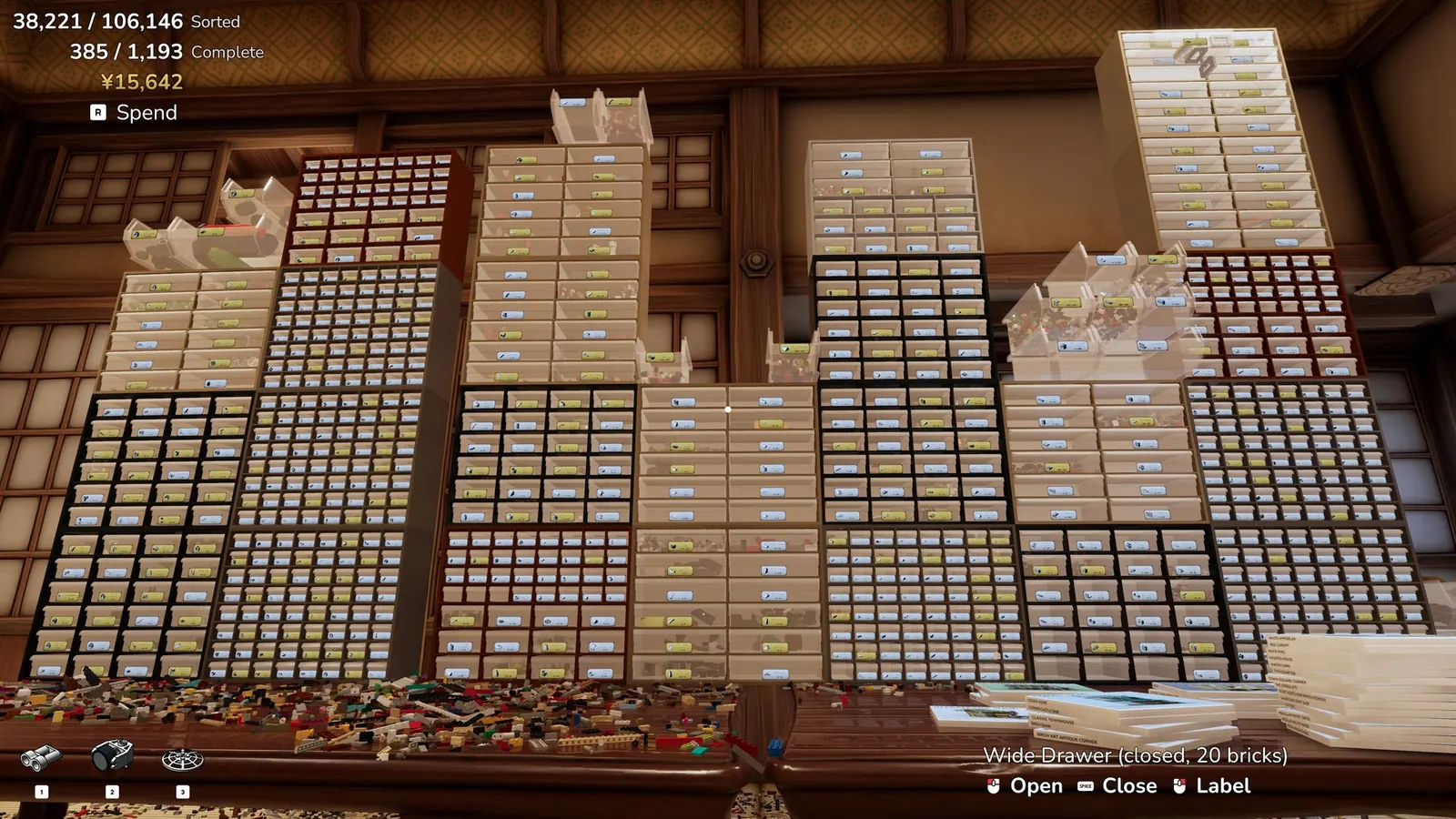
| Spend | R | HUD prompt on the drawer screenshot. | 1 screenshot |
| Starting camera | Options → Move Mode | Free Look (new players, October 20 update) | 20 Oct note |
Walk, Drone, and Free Look
Walk puts the camera at eye height, with gravity, jump, and crouch. The 15 Oct note says you pass through the pile instead of climbing it. Drone is the flying camera. Free Look is the unbound look the new-player default uses. Crouch and the zoom can each be Hold or Toggle after 20 Oct. GameTruth repeats T, V, G, F, Tab, Ctrl, and X/Z, which matches this table, so I treat that article as a second reading of the same keys rather than a longer list.
Camera comfort options that do exist are on the motion page. The sorting order those keys serve is on the beginner page.
Questions
What is the sprint key?
No note I have names one. The 20 Oct sheet mentions crouch and a hold/toggle for crouch/sprint behavior without printing a sprint binding. I am leaving the key blank.
Can the keys be changed?
Yes. Since 10 Oct the menu is one action per row, and a conflict swaps the two bindings.
Sources
- Official controls update, 20 October 2026 — checked 2026-11-13
- Steam news feed for app 4876650 — checked 2026-11-13
- GameTruth beginner guide — checked 2026-11-13
- Official screenshots on the studio page — checked 2026-11-13
Related: MotionBeginner guideTools