BEGINNER GUIDE
How should a new player sort the pile?
Pick one part, pull every loose copy, label one drawer, and only then open a model book. Color is the trap.
Updated 2026-11-13
Sort by part, including when a color bin looks prettier
The store description says sorting by color feels right and then you lose the small parts. Brick Architect, an independent storage guide, says the same thing about real bricks: a bin of one color hides the exact piece you need, so builders end up filing by part. The in-game achievement named after the title is the trap on purpose: sort all the 2×4 bricks by color. A player asked for a color mode. The developer reply was “There’s nothing stopping you :)”.
A first-session order
- Walk the pile in Free Look (new players default there) and grab one common part, not a rainbow handful.
- Buy the Magnet Glove when the single-part grabs get slow. Feet on the Ground is the achievement for finishing with the glove unbought, so skipping it is a real route, not a mistake.
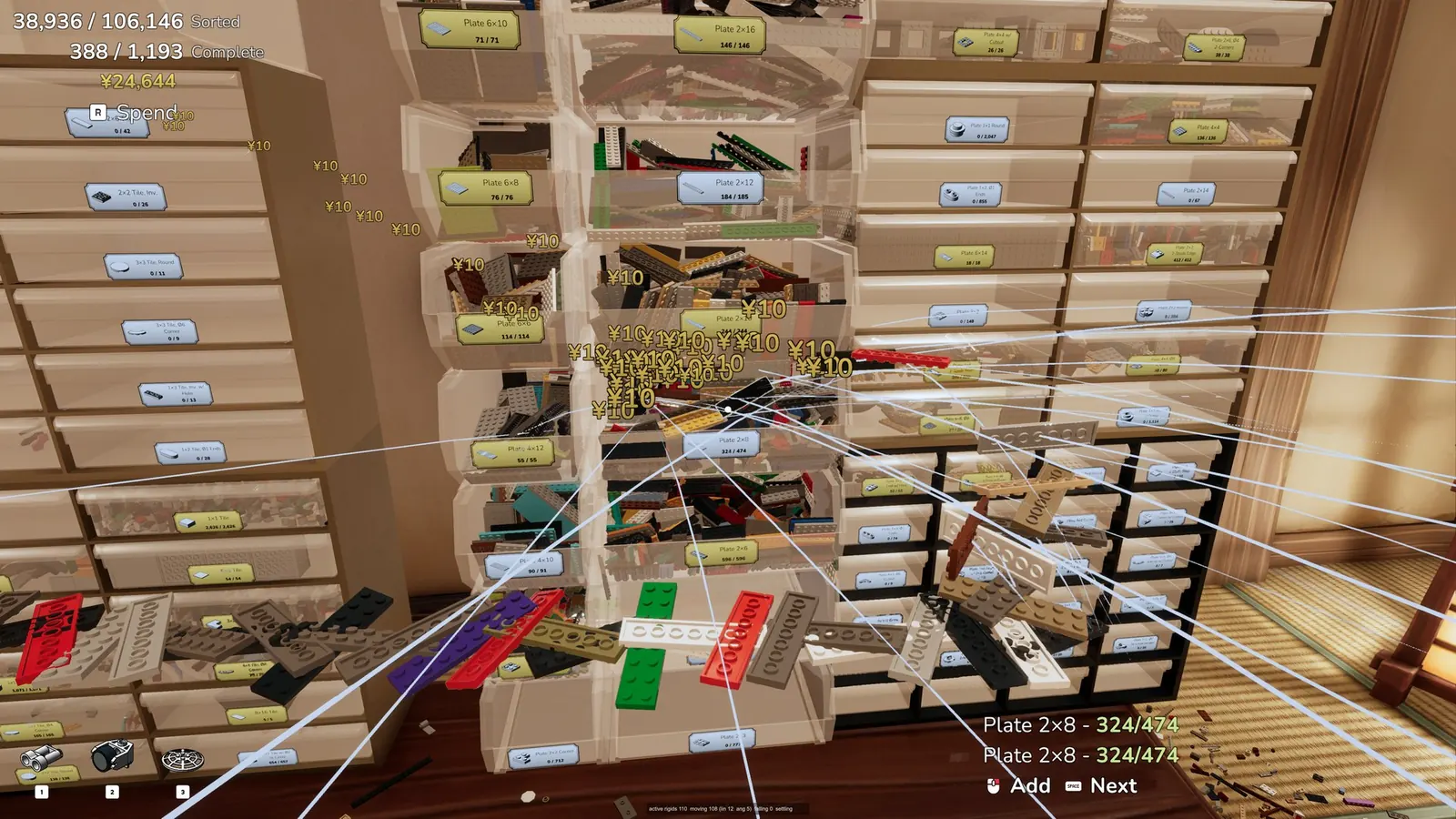
- Label one drawer with G while you are still holding the part. F opens and closes drawers even with full hands, after the 20 Oct key pass.
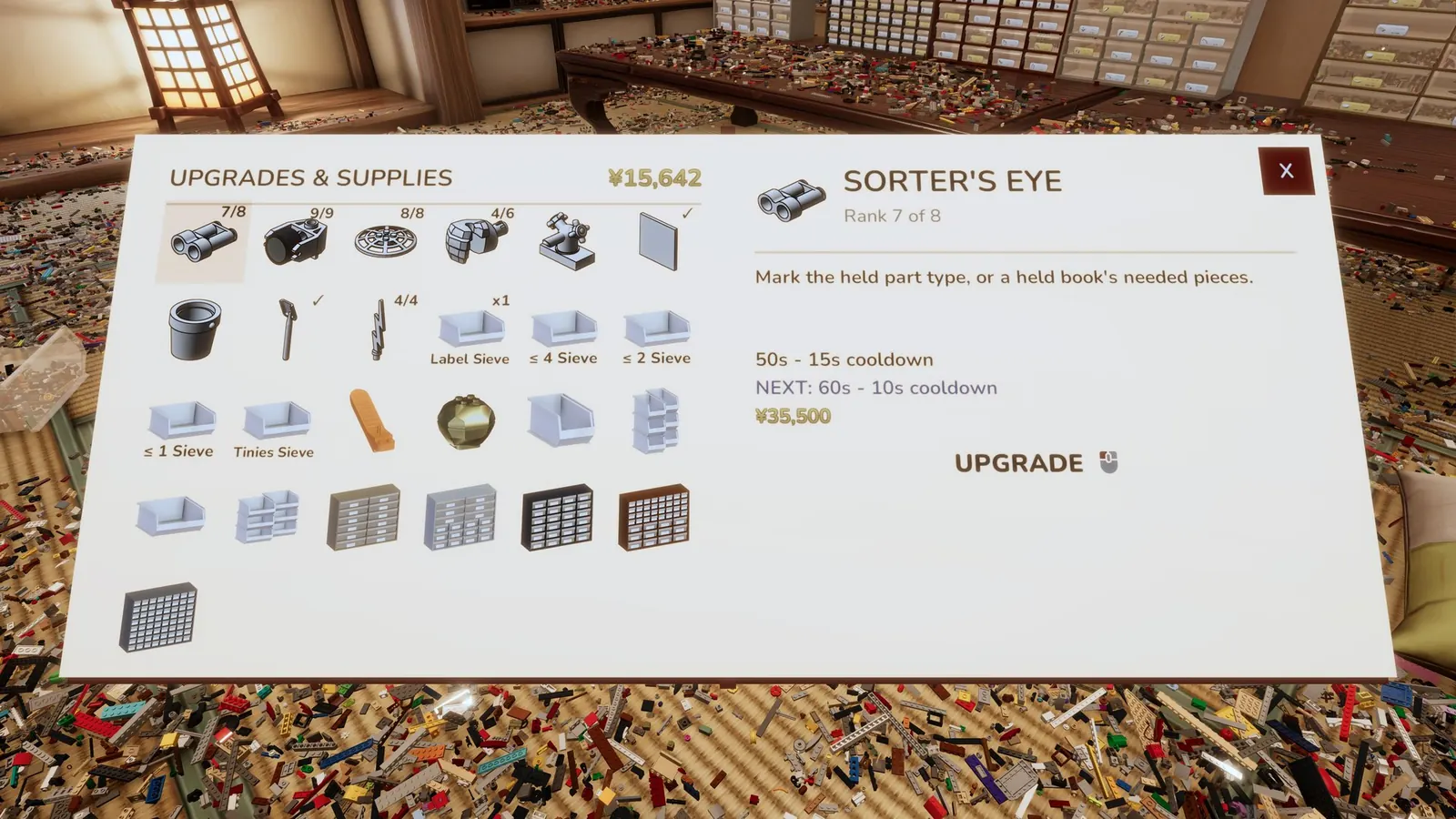
- Turn on Sorter’s Eye for that same part. Forum players call this Hunter’s Eye. The store list only has Sorter’s Eye, and it highlights the one part you are holding.
- If a scoop mixes plates and tiles, shake a Sieve Tray before you label. Players report the filters miss and that each purchase in a sieve class costs more. There is no studio price table.
- Bind up to four bins to Bucket Sort once the labels are stable. Bucket List is the achievement for filling all four slots.
- Use Locators when you forget which drawer you chose. Marco Polo is the max-rank achievement. The rank cap itself is not printed.
Planned versus Spontaneous
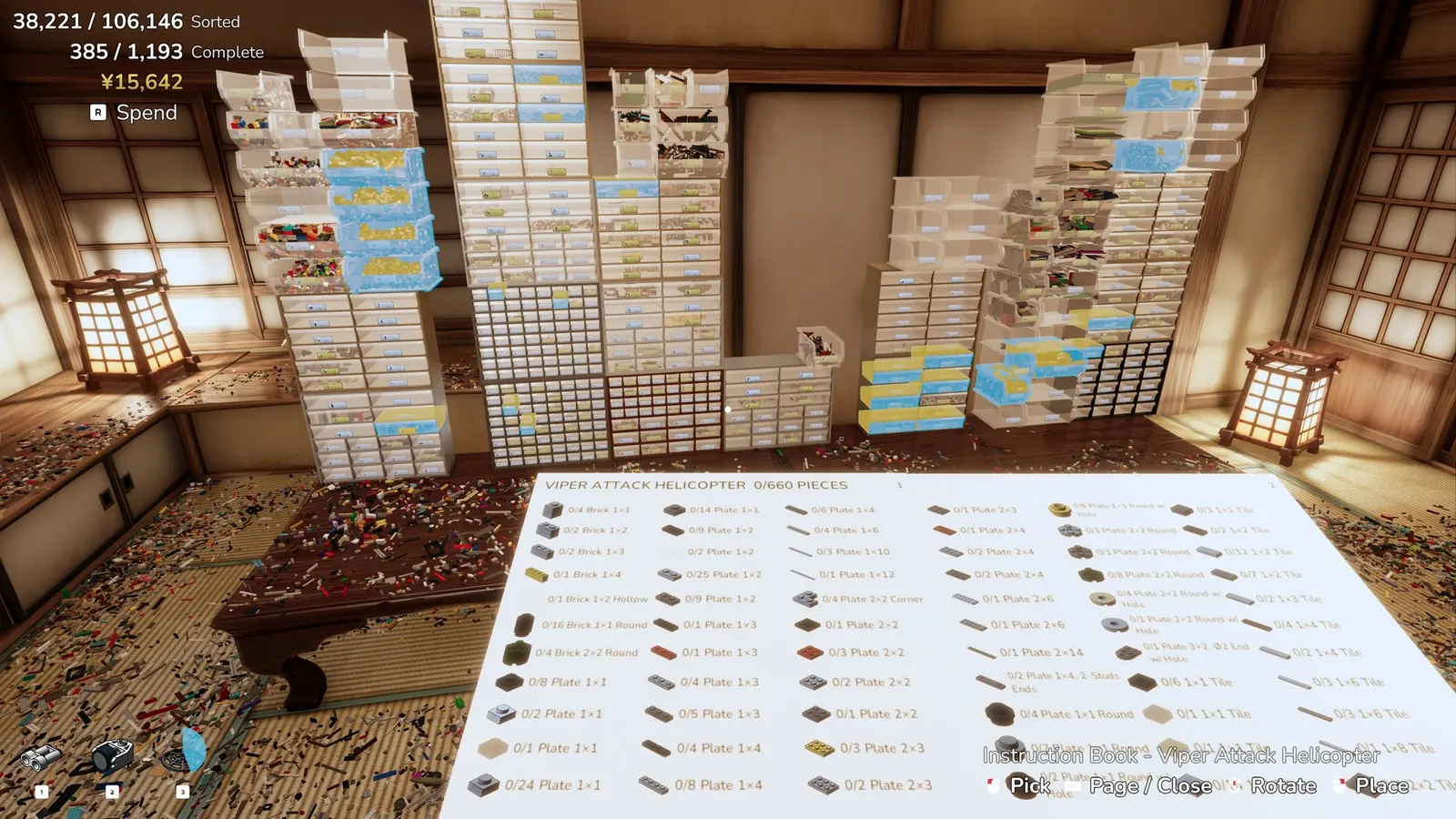
Planned, described in the 10 Nov notes and matched by the GameTruth walkthrough, starts with towers grouped by part family and a Name Plate. Drawers follow the label menu order. Spontaneous is the other mode. Its achievement, Roll With It, only requires the pile gone, every drawer sealed, and every model built. I am not filling in a starter layout the notes do not describe. A forum thread says Planned can miss a tray. That is a player report.
Why Tidy feels expensive
Tidy (T, aimed at a bin) sorts a container and pulls out pieces that do not match. The 15 Oct note says the demo charged 100,000 for it. Thirteen replies on “Tidy Too Expensive” read that price as a nudge to think before you buy containers. The full-game price is not in any note I have, so I am leaving it blank rather than copying the demo number forward. Press R when the HUD offers Spend.
Models worth knowing before you promise a count
GameTruth and the 23 Aug official model list both give the Small Shuttle as 137 pieces and Classic Townhouse as 1,530. The studio’s own model list, from the 23 Aug note, includes Viper 660, Fletcher 2,252, and USS Iowa 8,108, among others. When a book is short pieces, Options → Restore Missing Pieces checks unfinished books, including imported ones, and drops the gaps near the start point. That command is from the 20 Oct note.
Questions
Can you hold click to grab several objects?
The glove grabs every loose copy of one part type in a single aim. It does not grab a mixed handful of different parts. That reading comes from the store tool list.
Why does Hunter’s Eye only work for one item?
Players are describing Sorter’s Eye. Official text highlights the held part, or the parts a held book still needs. A full rank does not, in player reports, light several different parts at once.
Sources
- Official model list, 23 August 2026 — checked 2026-11-13
- Steam news feed for app 4876650 — checked 2026-11-13
- Steam achievements — checked 2026-11-13
- GameTruth beginner guide — checked 2026-11-13
- Steam store page — checked 2026-11-13
- Steam discussion: sieves — checked 2026-11-13
- Steam discussion: Tidy Too Expensive — checked 2026-11-13
- Steam discussion: Hunter's Eye — checked 2026-11-13
- Brick Architect organization guide — checked 2026-11-13
- Steam discussion: Sort by Color mode — checked 2026-11-13
Related: ToolsControls(# Bricks)Updates